
The Role of Digital Kiosks in Improving Employee Safety Awareness and Compliance
Having good safety practices in place is essential in the workplace. Employees should be aware of the potential hazards, know what to do and do it regularly. However, using traditional methods to train employees can be difficult to implement as they can be a busy site with multiple shifts and different teams. Digital kiosks can help improve safety awareness.
Easy Access
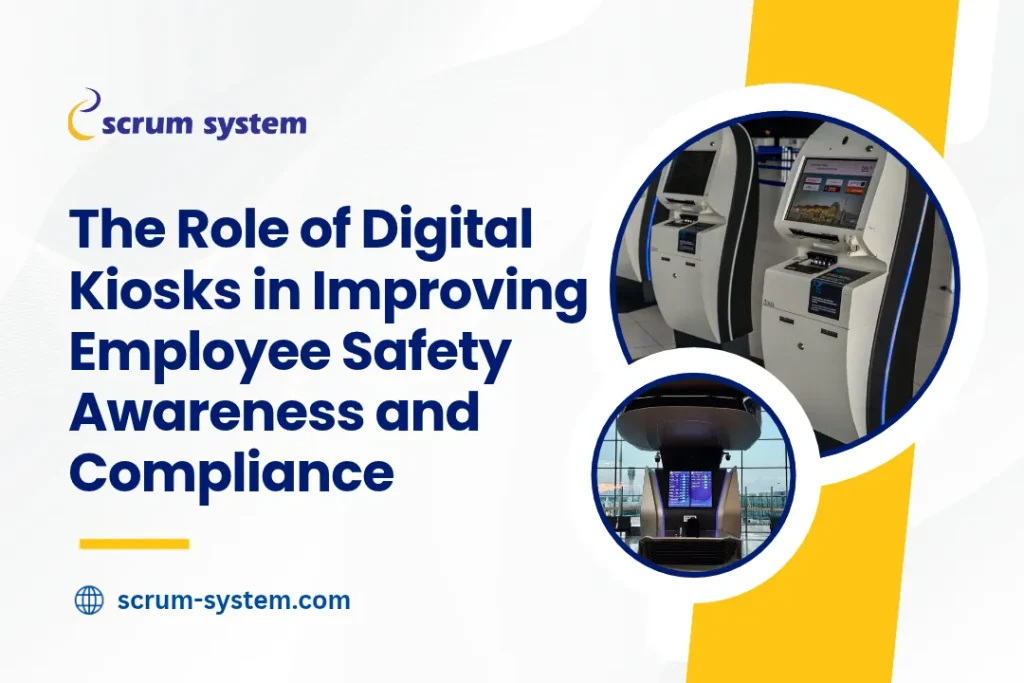
Safety information is best provided in a way that can be easily accessed. Printed manuals can be easily missed and training in the classroom can be difficult to attend due to different shifts. Digital kiosks can provide short videos, visual guidance, explanation of processes and reminders using a touch screen. Employees can complete the modules in areas such as reception, training rooms, factory entrances and other areas.
Interactive
Not all employees will engage with the safety information provided. Interactive training will help keep them engaged and ensure they understand the information. Videos, images, questions and short tests can be included in the digital kiosks. An example of this would be an employee in manufacturing can watch a video about guarding machines and answer questions. A contractor can complete a module on permit to work requirements. Visitors can also complete a short module. The quizzes and instant feedback will help highlight the key points. Employees will also understand what they know and what they need help with. As the training is relevant to their role they are more likely to relate it to their everyday tasks.
Role Specific Training
Employees will have different hazards within their role. Providing a general presentation may not provide enough detail for each department, role or type of visitor. Digital kiosks can be used to provide role specific training. Operators may need training on how to handle the equipment, lockout and guarding. Warehouse staff may need training on forklift movement, pedestrian pathways and stacking. Drivers may need to know the speed limits, loading areas and if they are fit for duty. Office employees may have training on ergonomic, fire and evacuation. This will help employees receive the information relevant to them. The organisation should also work with safety professionals to ensure the modules are up to date with current processes, equipment and site.
Improve Compliance
To ensure employees are following the correct procedures, digital kiosks can be used to help with compliance. The kiosks will provide standardised information. Managers can see who has completed the modules and know who may need a refresher. This is more visible than just reminding employees informally or using paper sign in sheets. The records can help teams plan their training.
However, a digital kiosk alone will not ensure compliance with legal and regulations. The organisation should understand what regulations apply to them, ensure all equipment is safe, have inspections, supervision and up to date procedures. However, having a structured digital training will help provide a record of learning.
Emergency Situations
During an emergency it is important people know what to do. If employees are confused about alarms, evacuation routes, assembly points and who to report to it can increase the risk. Digital kiosks can help employees become familiar with the procedures. Modules can provide information on what to do when they hear an alarm, use the correct exit points, what to do if they notice a hazard and how to get to assembly points. Visual guides can help explain the routes and actions. New employees may find this easier to understand. Short tests can be added to ensure they know what to do. Practical training and clear signage should be provided alongside the emergency training.
Testing and Insights
Digital training can help with testing. Questions can be included at the end of modules and the answers recorded. This will help organisations understand if employees have understood the information. Reports can be viewed to see how many people have completed the modules, how they have performed in the tests and what areas they need to focus on. If there are lots of incorrect answers to questions about handling chemicals then this may indicate the module needs to be clearer or the team may need some practical training. If there are low completion rates for one shift this may indicate there are issues with when they can complete the modules. Managers can use this information to plan refresher training for those who need it.
Choosing the Right Safety Kiosks
Consider how many employees you have, how the site is laid out, how often training is needed, what languages are required and what hazards are relevant to each role. The kiosks should be easy to use. The screen should be placed so employees can complete training without blocking walkways. A flexible option can be used to provide short individual training for visitors and drivers and longer group training for employees and contractors. Customisable content, quizzes, scheduling, reports and training records can be provided.
Scrum System’s [STK safety training kiosk] provides interactive training for employees on their role. The kiosks can be pre-loaded with content, create and manage content, identify training requirements, schedule, reports and analytics. It can be used for training visitors, drivers and contractors. It can be used for individual or group training. Existing safety information can be turned into interactive sessions and testing can be used to ensure understanding.
Create a Strong Safety Culture
Using technology will add value if it can provide consistency. Digital kiosks can help provide easy access to safety information, improve engagement, improve procedures and provide insights into training. However, having visible leadership, employee engagement, good supervision, appropriate PPE and a culture where they feel comfortable to report hazards will also help create sustainable improvements. Employers should see the kiosks as part of an overall safety strategy. They can use the results, have discussions with teams about common concerns, update the content as processes change and link the digital training to toolbox talks. When employees have clear guidance and understand why procedures are in place, safety will become a shared responsibility. Digital kiosks can help organisations show this throughout the day. This will increase awareness, provide consistent training and create a safe working environment where employees are prepared to identify and manage risks.
FAQs
1. What is a digital safety training kiosk?
A digital kiosk is an interactive touch screen that provides safety information, videos, tests and learning materials. It can also record who has completed and their results.
2. How can kiosks help improve employee safety awareness?
They provide easy to access, engaging and role specific training. Videos, visual guidance and quizzes are provided. Employees will have regular access to the information to remind them of procedures and what hazards are relevant.
3. Can safety kiosks help organisations with compliance?
Yes. The records and test results can help managers see who has completed training. They will also know if employees understand and who needs a refresher. However, they won’t replace legal checks, supervision and safety controls.
4. What can be included in the training?
Personal protective equipment, machine safety, emergency evacuations, fire prevention, material handling, site rules, contractor procedures and other relevant hazards.
5. Can digital kiosks be used for visitors and contractors?
Yes. Short training can be provided for visitors and more detailed training for contractors. The content can be tailored to their role and relevant hazards in the site.